
Once you have saved the query via DigiXport, it will appear in the saved queries sheet.
You can now run the queries by clicking on DigiXport > Run saved quries or by going to the third tab and clicking on test queries.
But there is a much quicker way to do it.
You can open the Run, Edit & Delete query pop-up, just like shown in the image below:
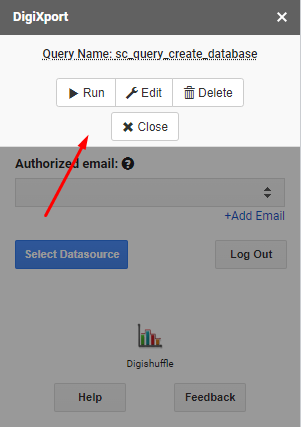
The pop up will open up automatically when you
- Click on the header row of the data imported to the sheet.
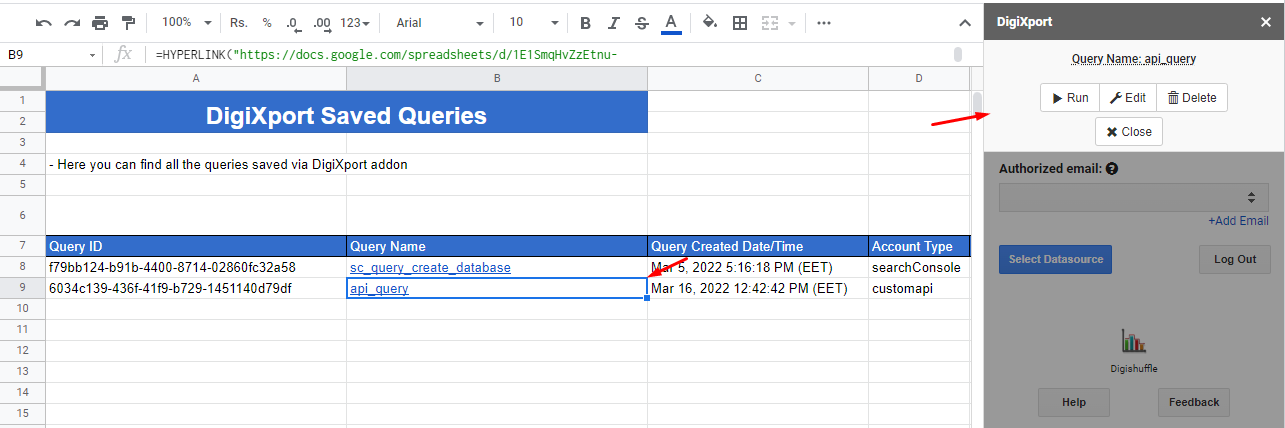
Or
- Click on any cell of the query row in the saved queries sheet.
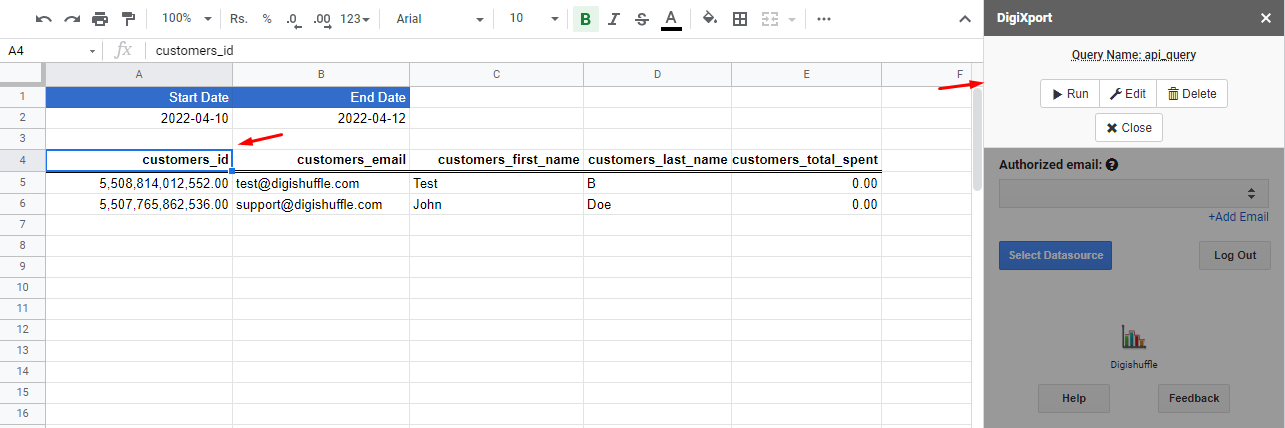
If you close the popup, you can just click on another row in the saved queries sheet to re-open it again.
You can now Run the queries or even edit/duplicate them