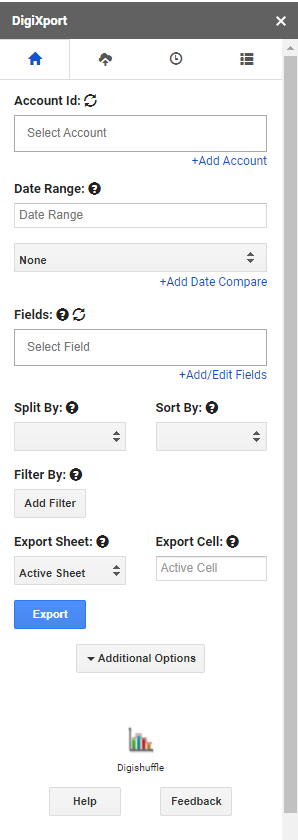
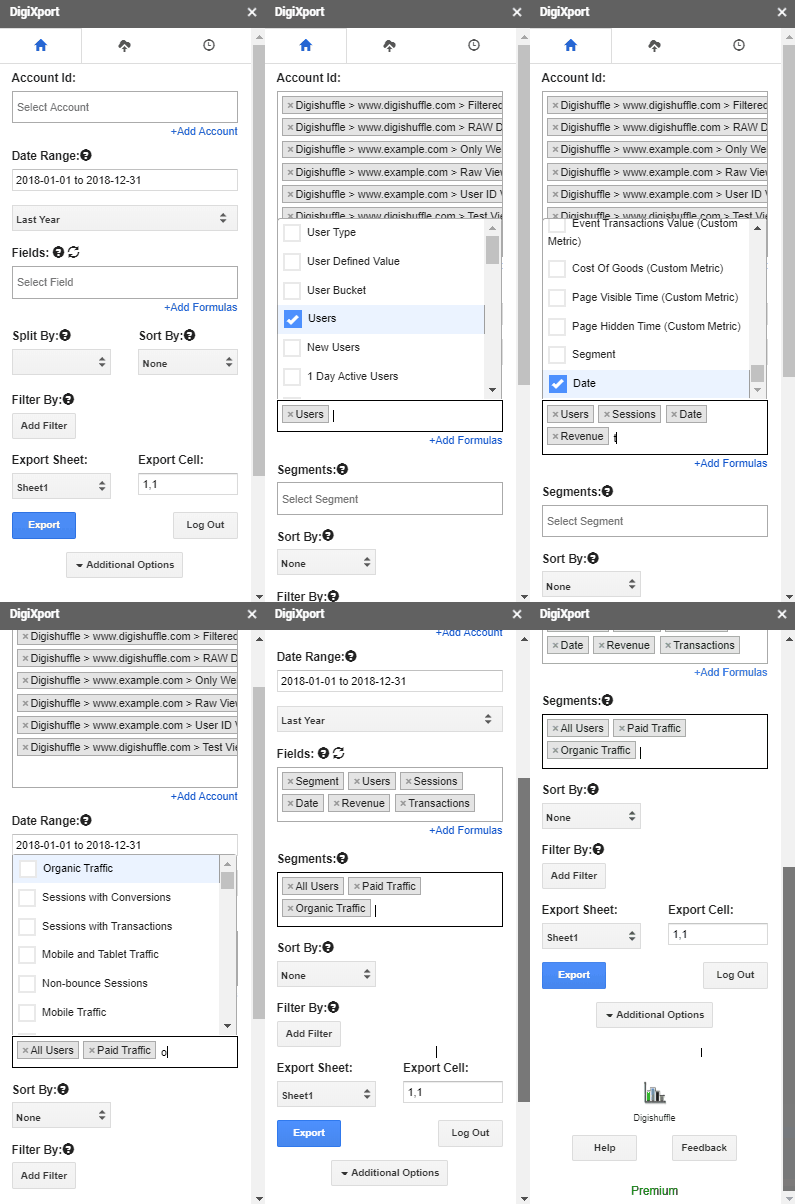
- Get started by authorizing your ad accounts & importing Ad Account’s data in sheets with a click of a button
- Save your time on reporting in a cost-effective way.
- Check here for list of all data connectors
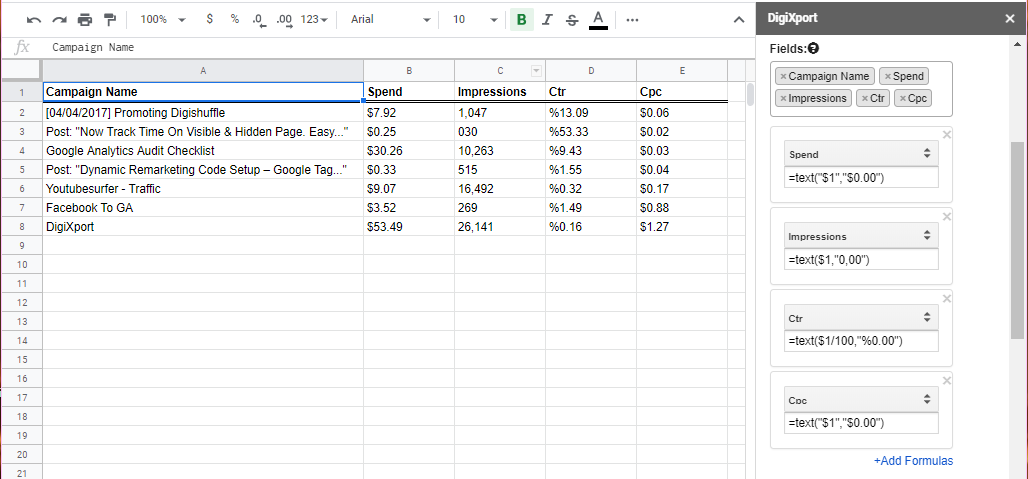
- Select multiple accounts across various data sources with a click.
- Import data in different sheets for each account.
- Save & Schedule your reports for multiple accounts.
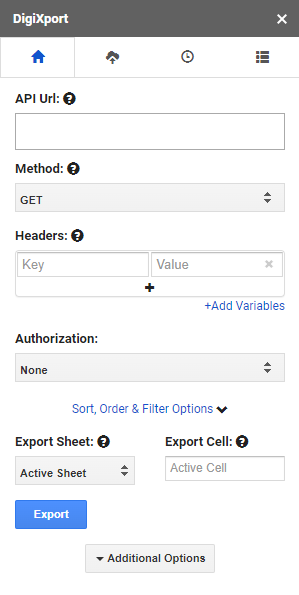
- Setup REST API queries for any data source.
- Fetch the data using GET requests.
- Use POST/PATCH/DELETE queries to update the data on the particular data source.
- Save & Schedule your Custom API reports.
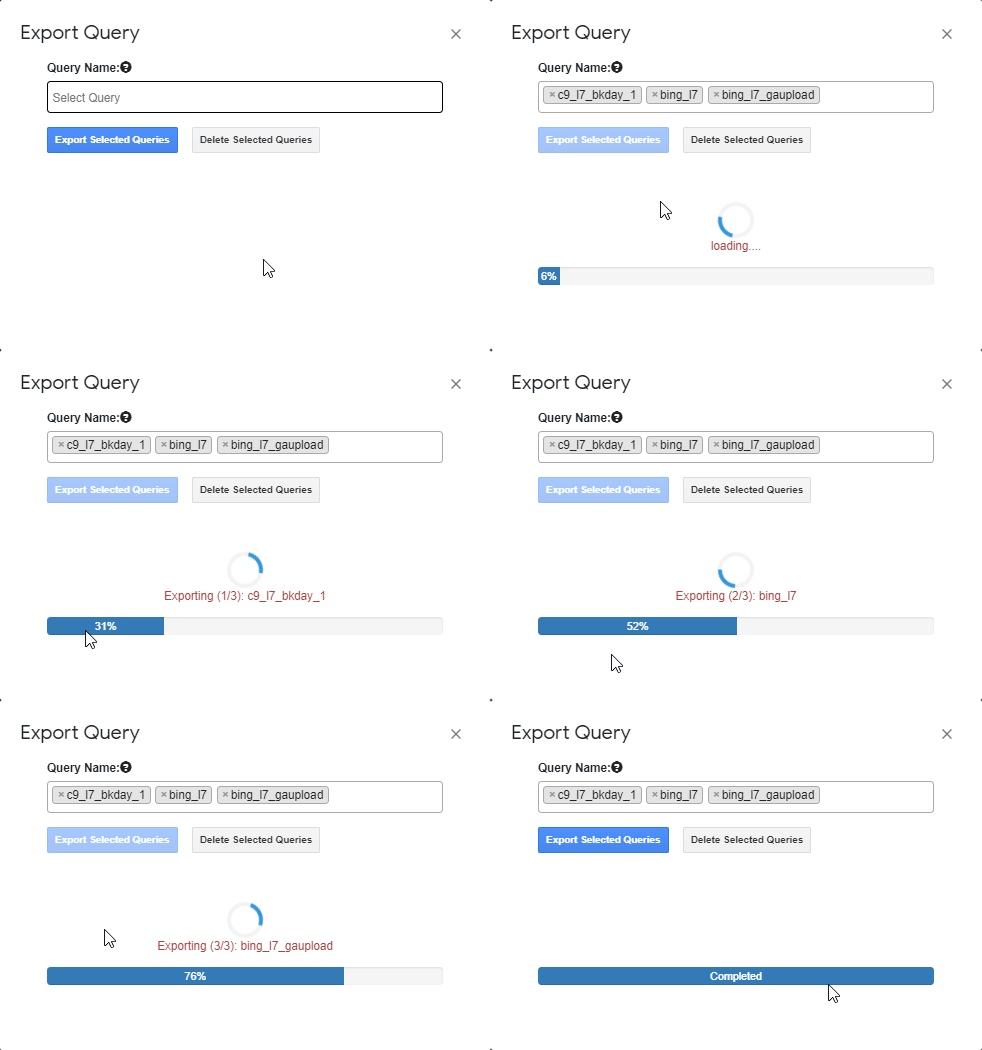
- Create/Duplicate/Edit/Delete Your Queries with a click.
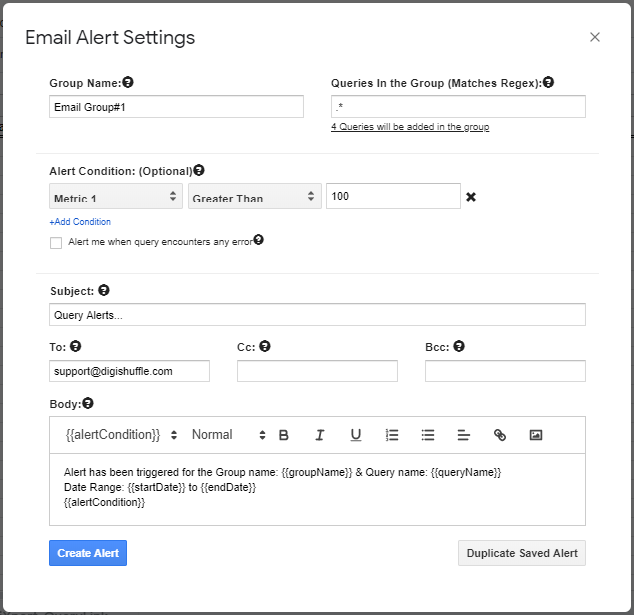
- Schedule your queries with various scheduling frequencies.
- Keep your data updated.






Here’s what the problem is:
What do you mean by Scheduling Query Limit & Data Export Limit?
The Scheduling Query limit is the number of reports which run automatically when user is offline & Data Export Rows are the no. of rows imported per Query to the sheet.
Free: Users can save & schedule only 1 query & only the first 100 rows are imported to the sheets. (so the limit is 100 data rows per import)
Premium: Users can schedule unlimited queries where all the rows are imported without any limitation
Do You Have A Trial Period?
Yes. We Have a 5 Day FREE Trial Period.
How To Get Access On The Email ID?
After the payment/subscription is successful, you can enter the
- Email ID (to activate) &
- Payment ID
in the form to activate your account.
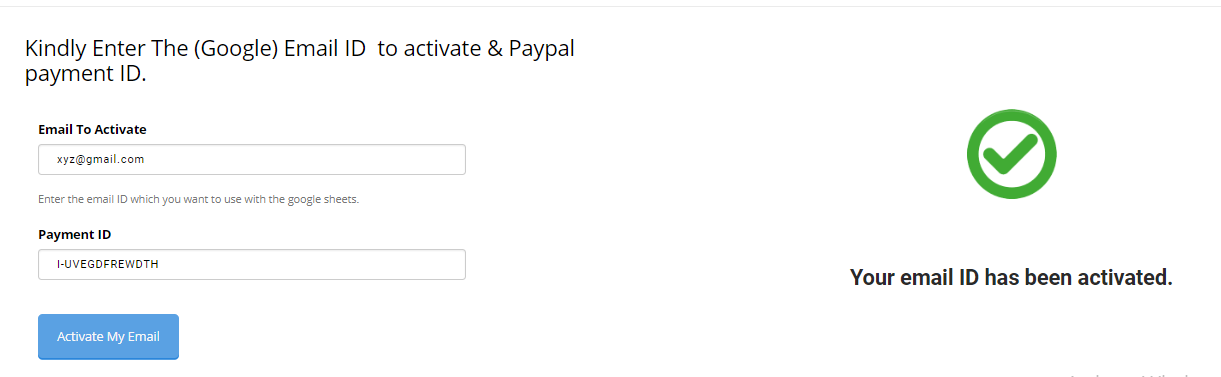
After the Email ID is activated, re-open the addon & you’re good to go.
Also, you can mail to [email protected], use the Chat or Contact Form to change the email ID.
I want to activate multiple emails, How Can I Get Access To All?
You can choose the agency plan which is mentioned on the page here.
What All Connectors Are Available?
You can check here for the entire list of data sources for DigiXport.
How To Use DigiXport?
Install The Add-On > Authorize your Facebook, Bing Ads, Google Ads Or Google Analytics Account > Start Exporting Ads Data in Sheets. Check Here for more.
How Can DigiXport Help Me?
It can mainly used for
- Reporting & Analysis.
- Creating Dashboards in Data Studio by integrating it with Sheet Data.
- Uploading Bing, Facebook Data to Google Analytics.
That’ll help you
- Save Your Reporting Time.
- Analyzing Data in sheets
- Importing Ads data to Data Studio
- Importing Ads Data To Google Analytics
- & more…
How To Cancel The Subscription?
For credit/debit payments via Stripe, you’ll be provided a link to the billing portal, where you can update the billing information, cards, update/cancel plan and more…
For paypal, you can cancel your subscription anytime & it can be done from your side.
- You can log in to your PayPal > Click on Pre-approved payments > Click Cancel.
Also, you can mail us: [email protected] Or use the live chat to cancel the subscription.
No questions asked during cancellations.
Where to ask any questions related to addon?
You can post any queries related to addon on
- Live Chat
- Contact Page
- Mail us at [email protected]
- Our support forum.
Do You Provide Refunds?
Currently, We Don’t.
We provide Trail period so that it can help you decide if it is a right fit.
Which Payment Gateways Do You Use?
We Currently Use Stripe, Paypal & Razorpay
| Post Your Question In Our Support Forum |
| Use our website live chat |
| Use the Contact Us form. |
| Email us directly at [email protected] |